Challenges is the community request board: describe the prompt you wish existed, and creators answer with real prompts. Nothing is bought or sold here, and there is no reward field anywhere in the feature.
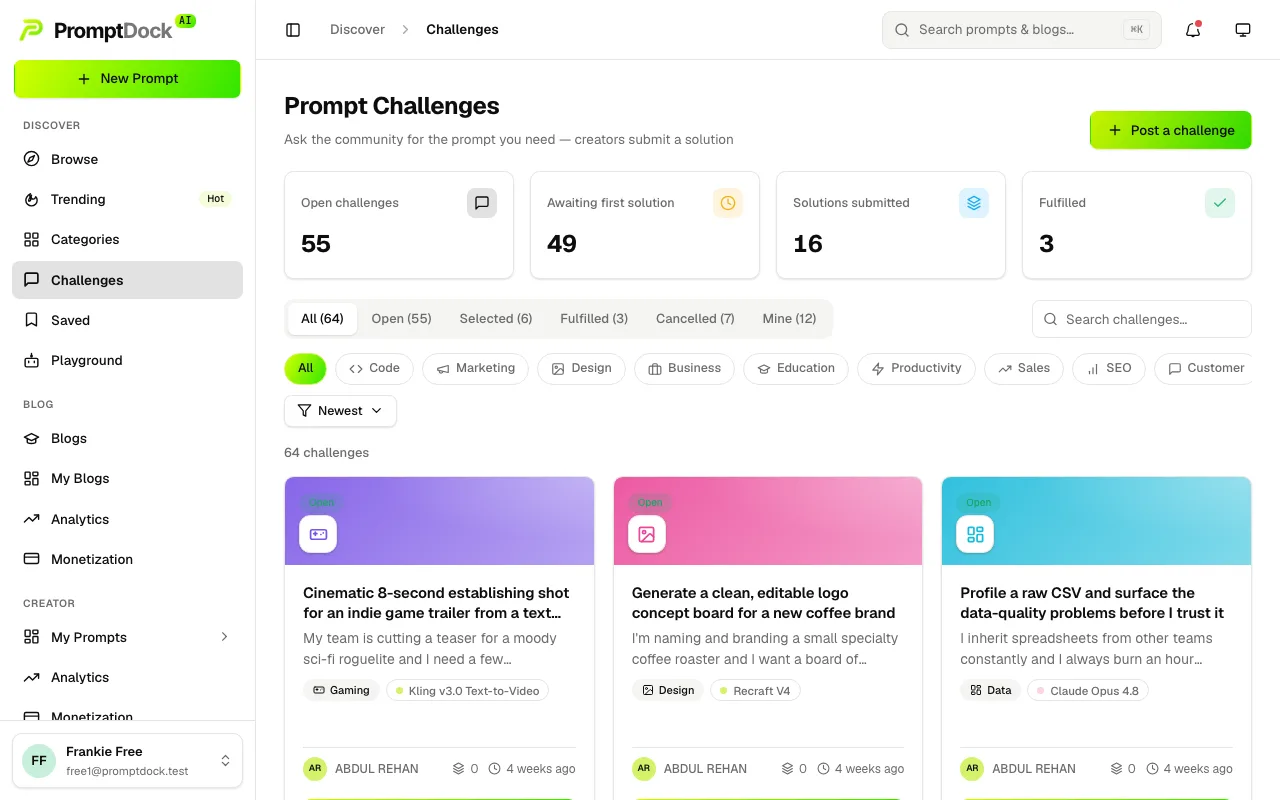
Posting a challenge
- Open Challenges and hit Post a challenge. Every plan can post, free included.
- Describe what you need. The description takes markdown, and a category and a preferred model are both optional.
- Watch solutions arrive. You get a notification each time one lands.
Submissions are private to the people involved: only you, each solver and an admin can read them, so nobody browses the field before entering it.
Solving a challenge
- Open a challenge from the board.
- Pick one of your own published prompts as the solution, with an optional note. The prompt is the answer, so there is no free-text-only entry.
- Submit. One solution per challenge, and only while the challenge is still open.
Two things gate this. Submitting a solution needs a Premium Creator or Master plan, unlike posting a challenge. And because every publish goes through review, the prompt you link has to be live already: drafts and prompts still in review cannot be submitted.
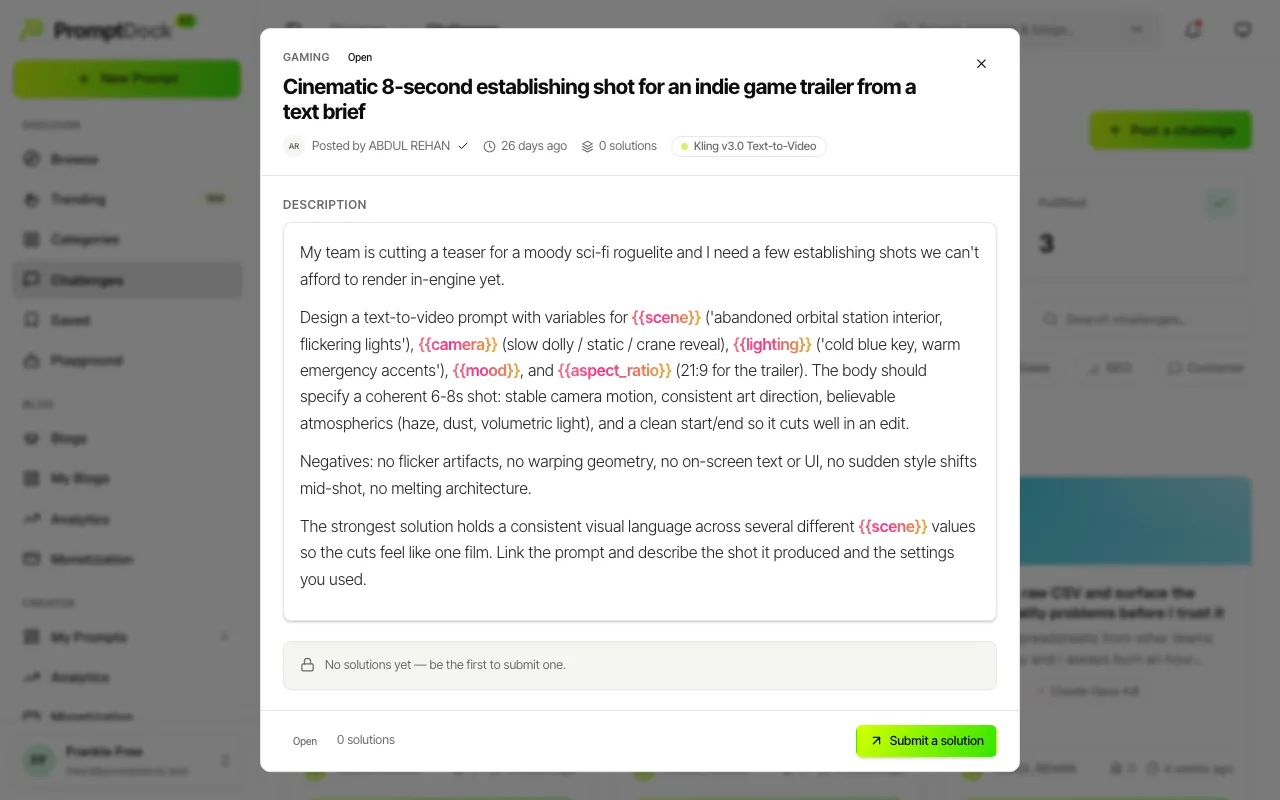
The lifecycle
The board tabs mirror the states. Open becomes Selected when the owner picks a solution, then Fulfilled when they confirm it worked. Owners can cancel instead, and a cancelled challenge is visible only to them and leaves the public board.
Selecting notifies the solver you chose, and separately tells the others they were not picked. Marking a challenge fulfilled notifies the solver again. Cancelling notifies nobody.