The Playground runs prompts against real AI models, and it is available on every plan, free included. Usage is metered by tokens rather than gated behind a subscription.
Running a prompt
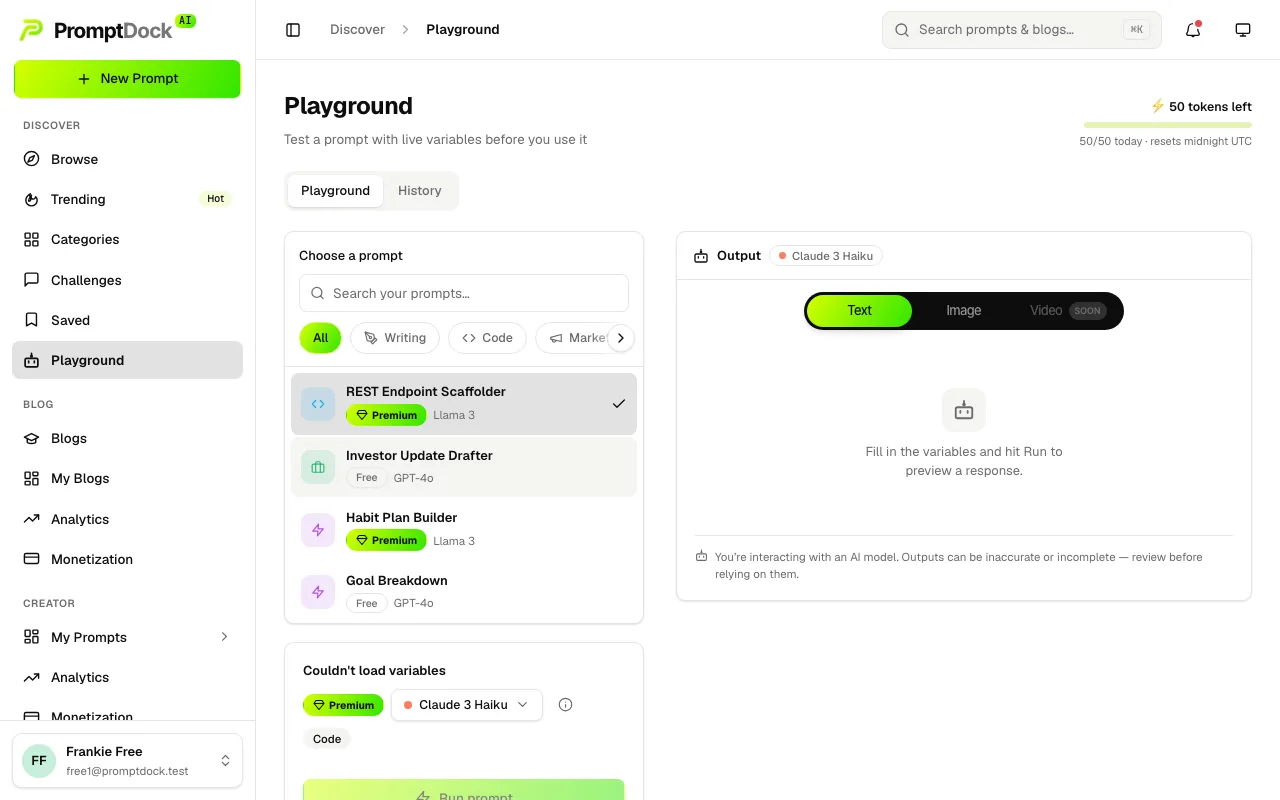
- Open the Playground and pick a prompt, or arrive via Run in Playground from any prompt you can read.
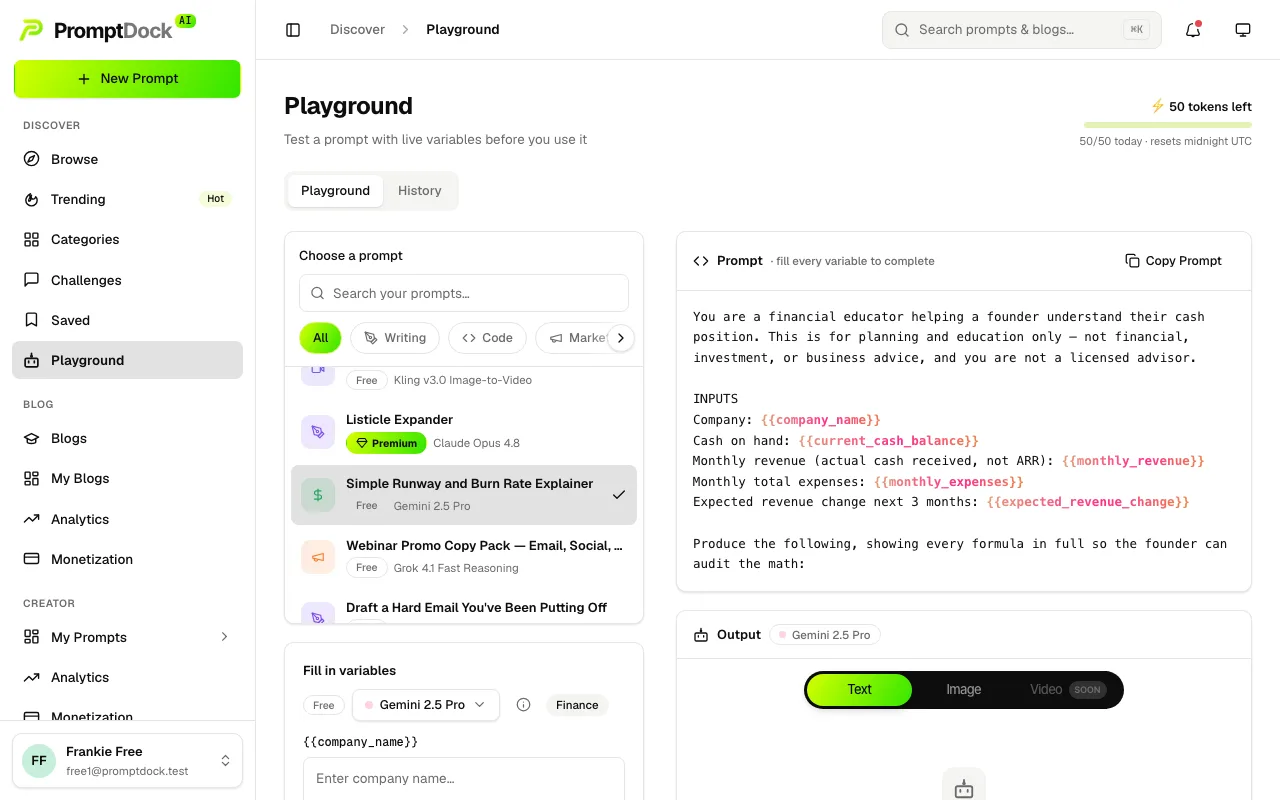
- Fill in the prompt's {{variables}}. Run prompt stays blocked until every declared variable has a value.
- Pick a model from the Run with picker. Most of the catalogue is open to every plan; the highest-priced models are reserved for Master.
- Hit Run prompt. The button shows what the run will cost in tokens before you commit to it.
Reading the output
Results land in three tabs: Text, Image and Video. Text renders as formatted markdown with a Copy Output button; generated images render inline with a download. Video is still marked Soon.
When the selected model reads image input, you can attach your own images to the run, up to 5 of them. The Reuse images with the media library guide covers that side in full.
Tokens: how usage is metered
A run costs 5 tokens for text output and 25 for image output. Each attached input image adds 2 on top.
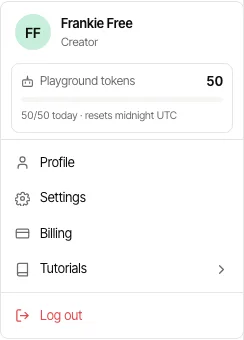
- Every plan gets 50 tokens a day, resetting at midnight UTC.
- Paid plans add a monthly pool: Explorer 1000, Premium Creator 1500, Master 2000, refreshed each billing cycle.
- The daily allowance is always spent first. Only what you use beyond it draws on the monthly pool.
- The token meter sits on the Playground page and in the sidebar profile menu, so you always know what is left.