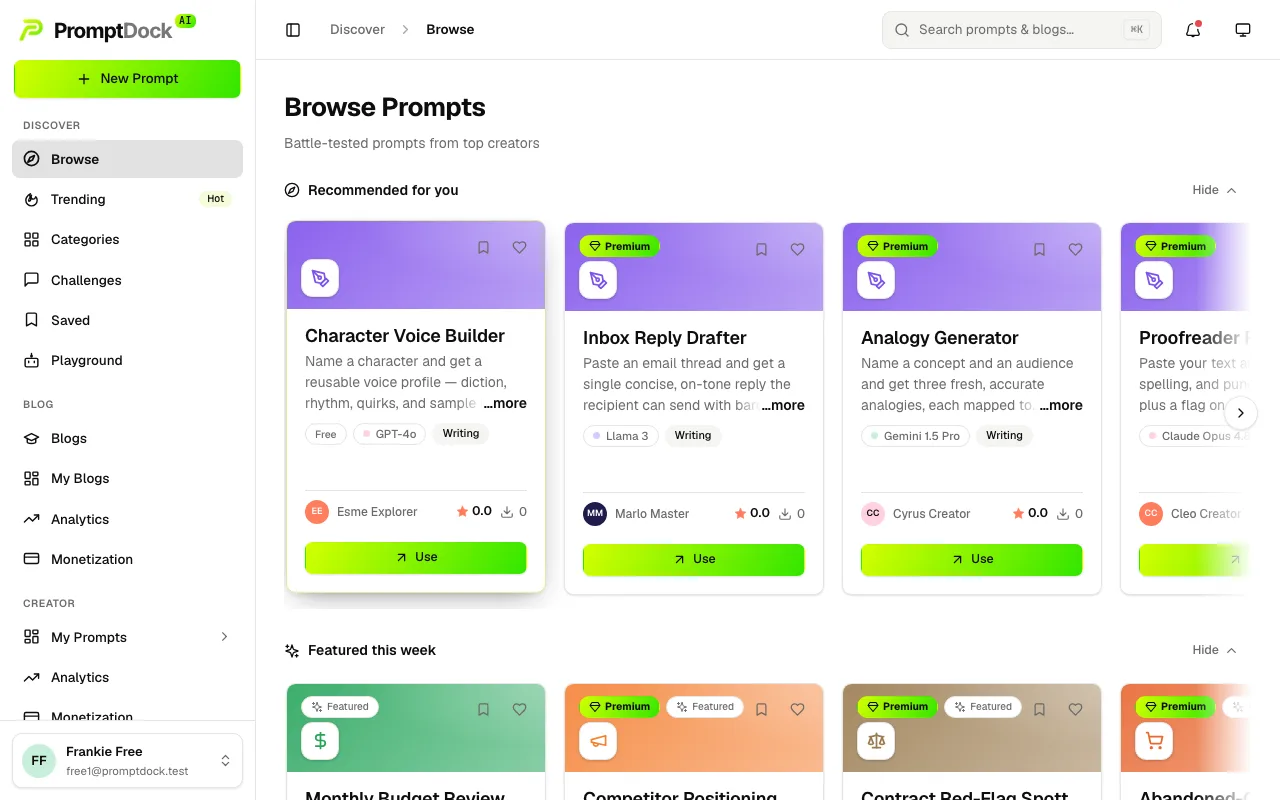
The Browse home is the whole marketplace: every published, public prompt, sorted by trending unless you say otherwise.
Finding something useful
- Type into the search bar at the top to filter the grid in place, or press ⌘K for the command palette.
- Use the category chips to narrow by field: writing, coding, marketing and dozens more.
- Switch the sort (Trending, Newest, Top rated, Most used) or move the Free / Premium toggle to match what you're after.
- Click any card to open the prompt's detail page. Its description, recommended model, cover images and star rating are public. You do not need an account to read them.
Revealing the template
The template itself is never in the page until you ask for it:
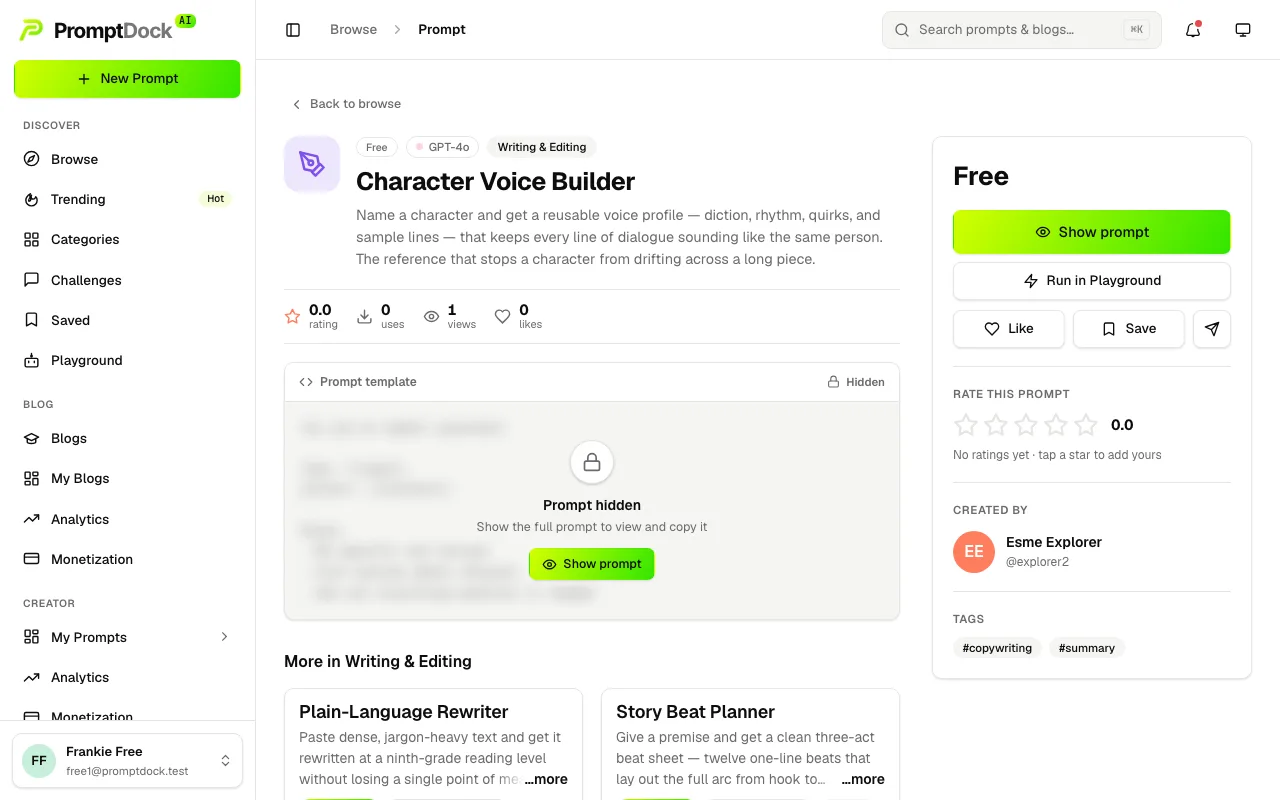
- Free prompts — hit Show prompt and the full template appears. Any signed-in member can do this, on any plan.
- Premium prompts — reading other creators' premium templates is the one paid capability on Prompt Dock. It needs Explorer, Premium Creator or Master; until then the control reads Unlock and takes you to billing. Your own prompts are always fully visible to you, whatever your plan.
Once the template is showing, Copy prompt puts it on your clipboard, Save files it for later, and Run in Playground loads it straight into a live model run.