Blog posts are discovery surfaces for prompts. Here is where those connections show up while you read, and on the prompt pages they point back to.
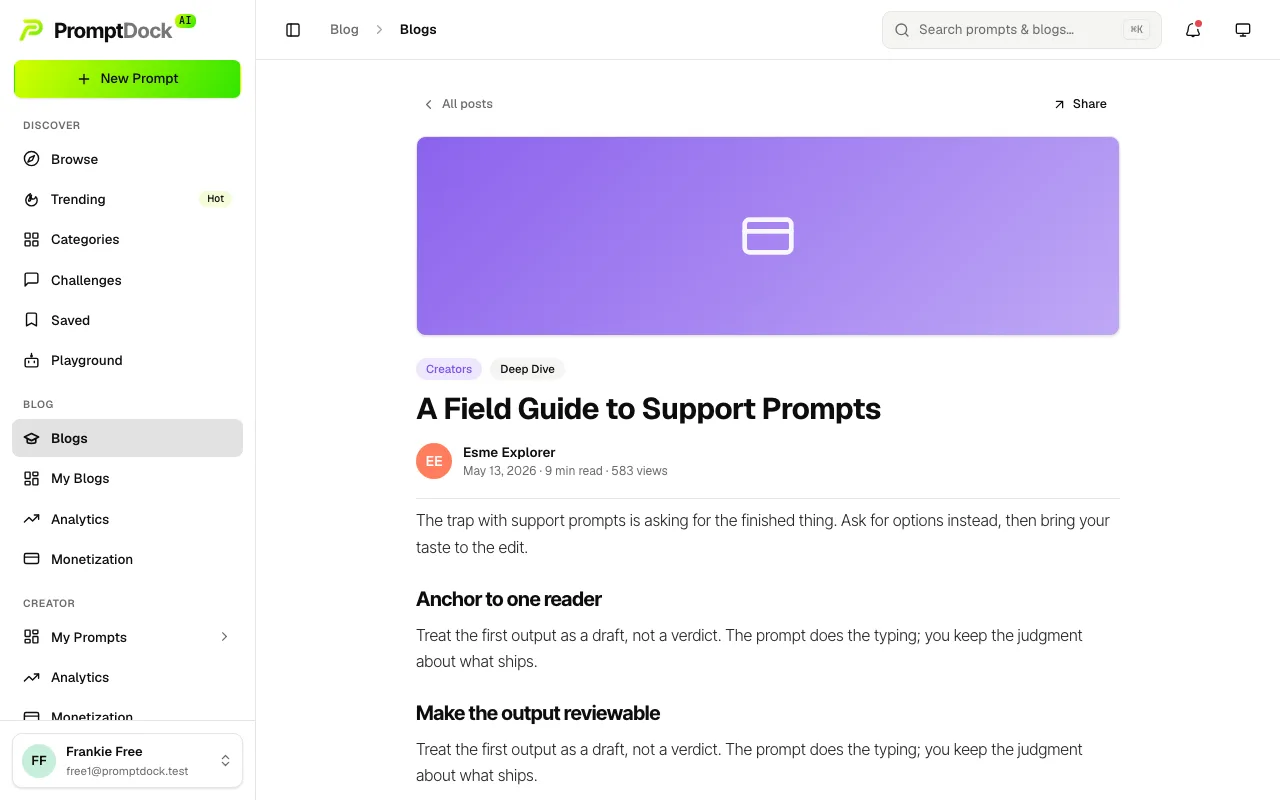
While reading a post
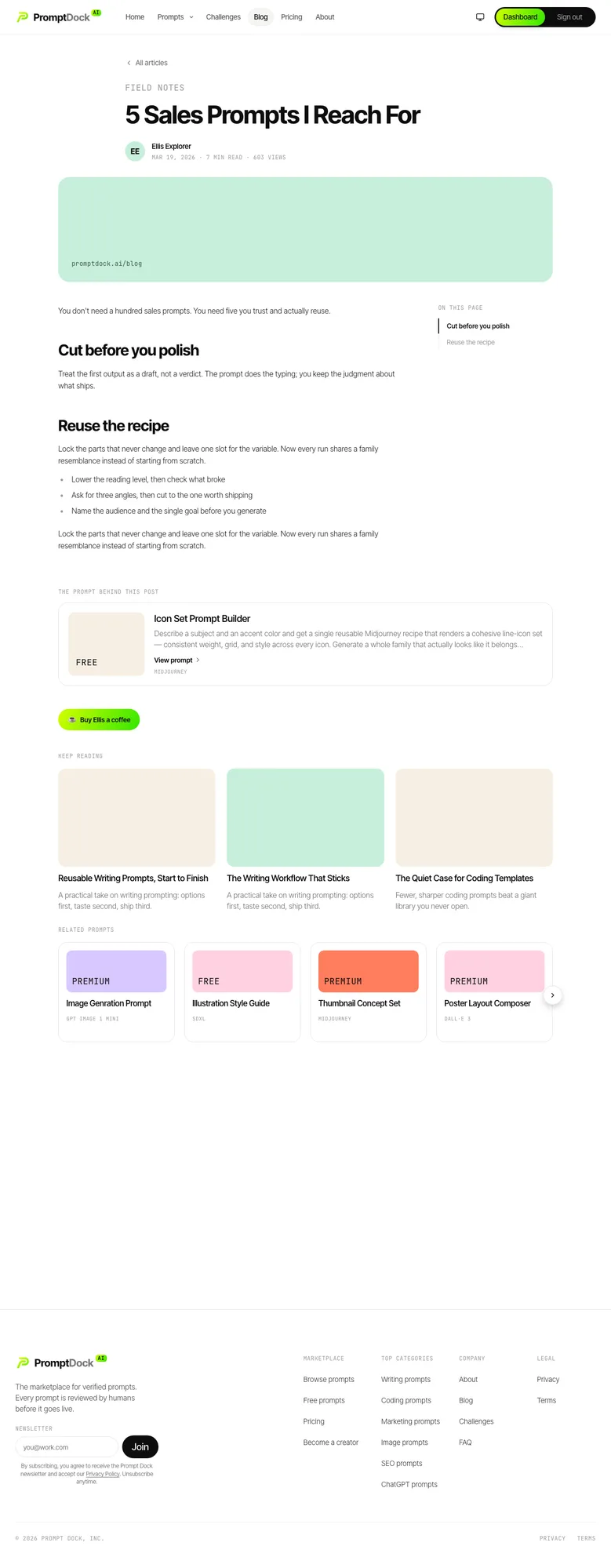
- The linked prompt. When the author tied one of their own prompts to the article, it shows up as a card. The public article page labels it The prompt behind this post and places it under the body; the dashboard reader labels it Featured prompt and puts it just above the body. Either card opens the prompt's page, where you can reveal the template, save it, or hit Run in Playground.
- Related prompts. The public article page also ends with a scrollable rail. It offers other prompts from the linked prompt's category, or the most-viewed prompts when the post links none. The linked prompt itself is filtered out, so nothing is shown twice.
- Keep reading. Both surfaces close with a short strip of further posts.
From a prompt's page
The reverse view exists too. A prompt's detail page carries a Related Blogs band as its last section, listing the published articles that prompt's own author wrote about it. Opening one takes you to the article on the public blog. Reading those is the fastest way to judge whether a prompt fits your use case before you reveal it.