Global search finds prompts, skills, blog posts and creators from anywhere in the dashboard.
Opening it
- Press ⌘K (Mac) or Ctrl+K (Windows/Linux), or just /.
- Or click the search field in the top bar.
Using it
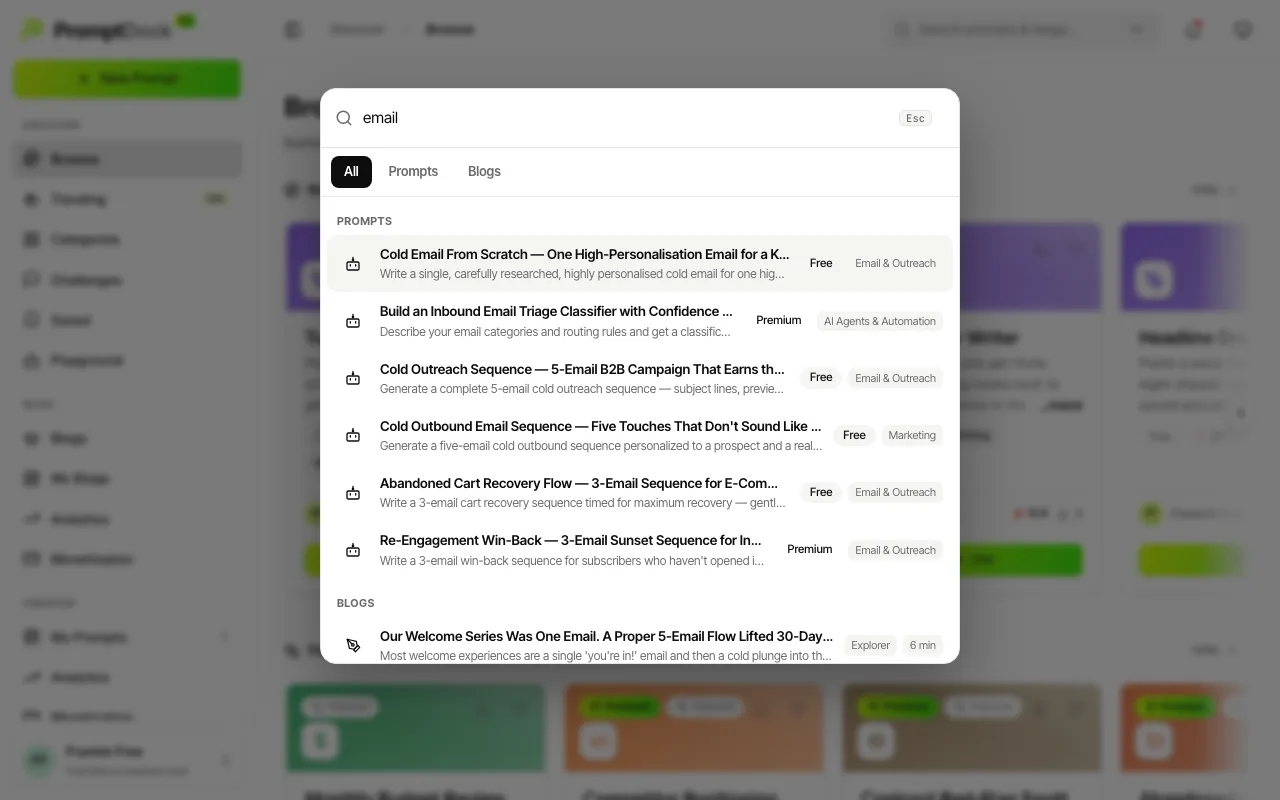
- Start typing. Results appear as you type, grouped into All, Prompts, Skills, Blogs and People tabs.
- Search is forgiving: it matches titles and descriptions, and it copes with typos, partial words and accents.
- Navigate with ↑ / ↓, open the highlighted result with Enter, close with Esc. Use ← / → to switch tabs once a tab has focus.
- Press Enter with nothing highlighted, or use the row at the foot of the dialog, to land on Browse filtered by your term.
Finding people
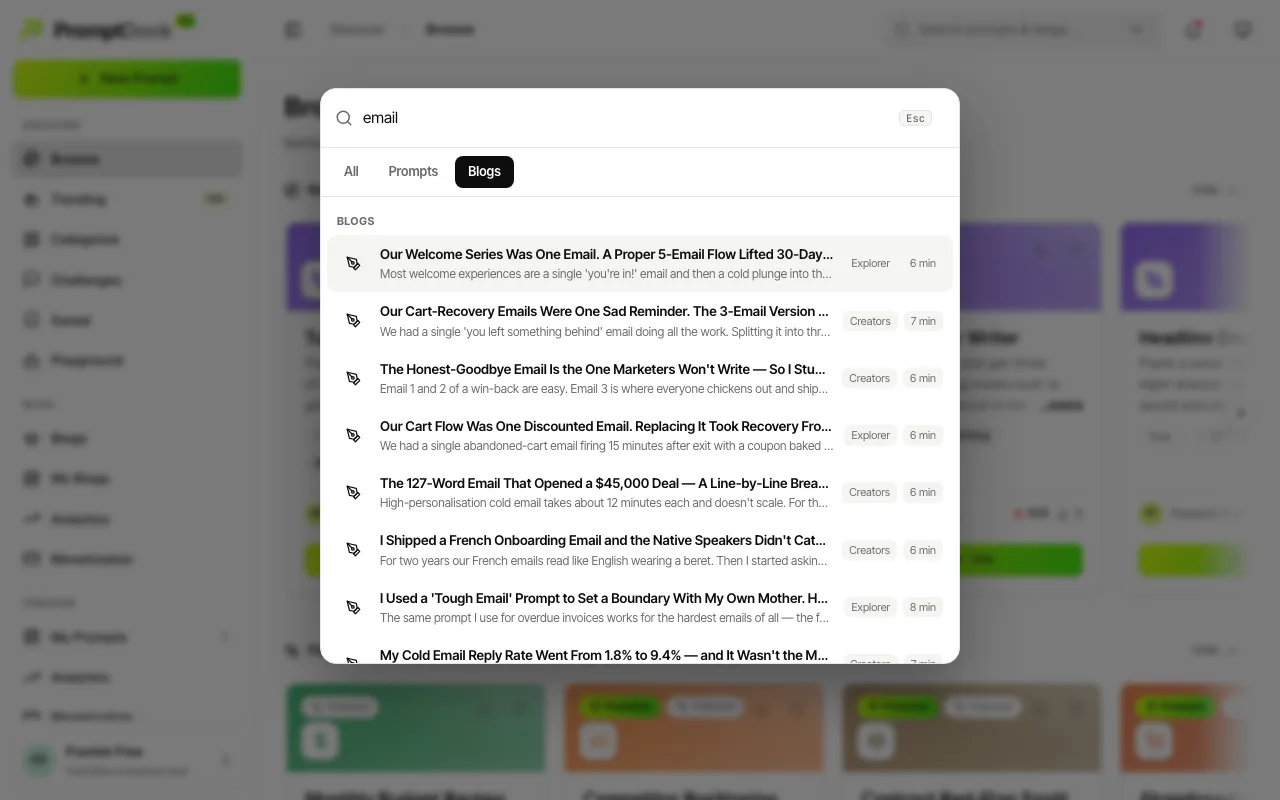
The People tab matches creators by handle or display name. Start your query with @ to put people first. Otherwise they rank below content, so a creator called "Marketing" never buries the actual marketing prompts.
For browsing rather than searching, the category chips on the Browse home and the Categories page cover the same catalogue by field. The public prompt hub at /prompts has its own search too, when you want a results link you can share.