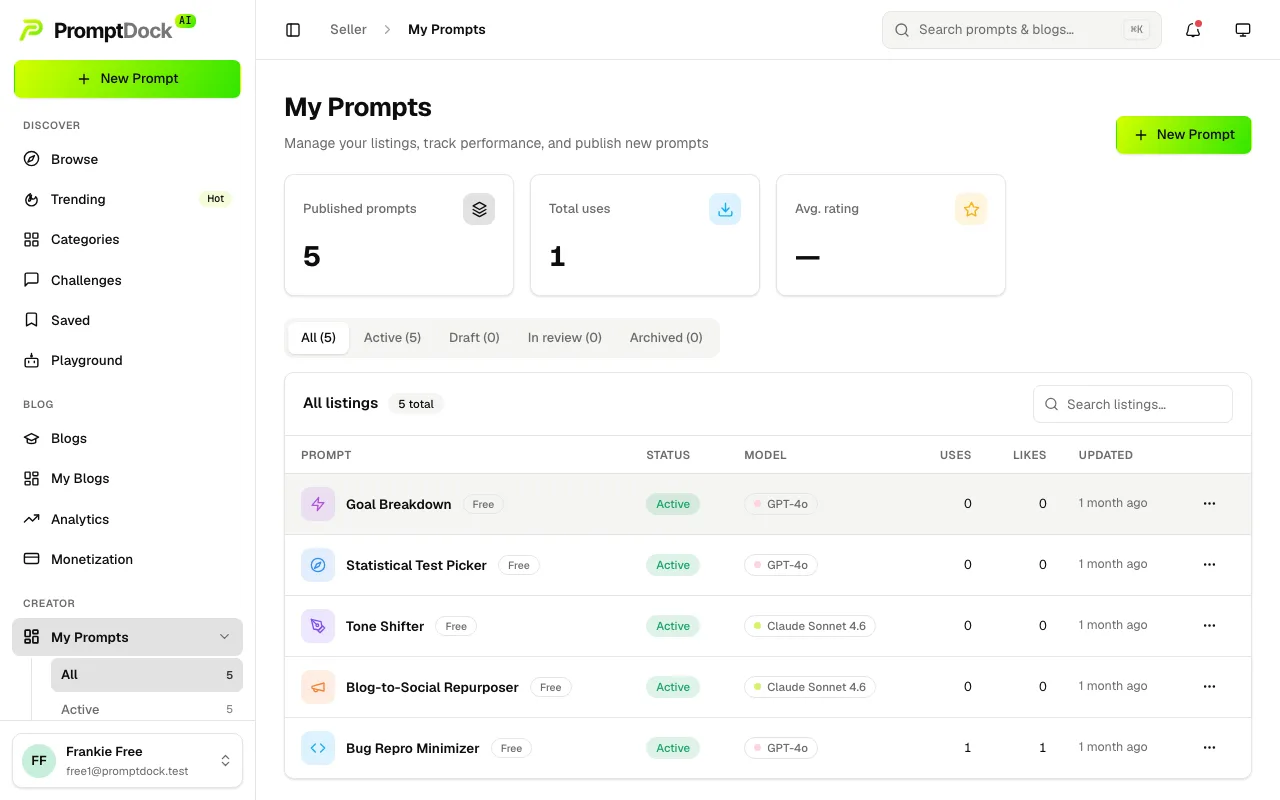
Everyone can publish prompts, free and premium, on every plan. There is no listing cap.
Creating one
- Click New Prompt at the top of the sidebar, or the same button on My Prompts.
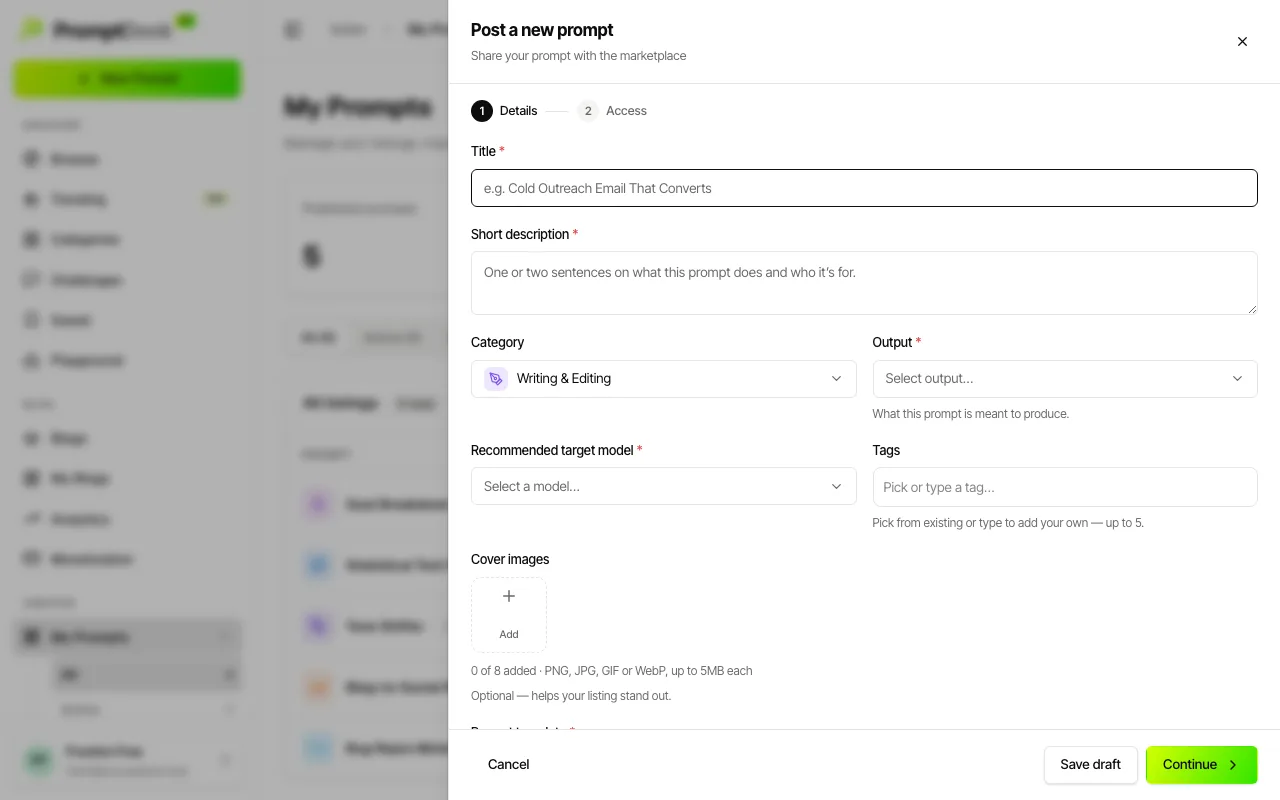
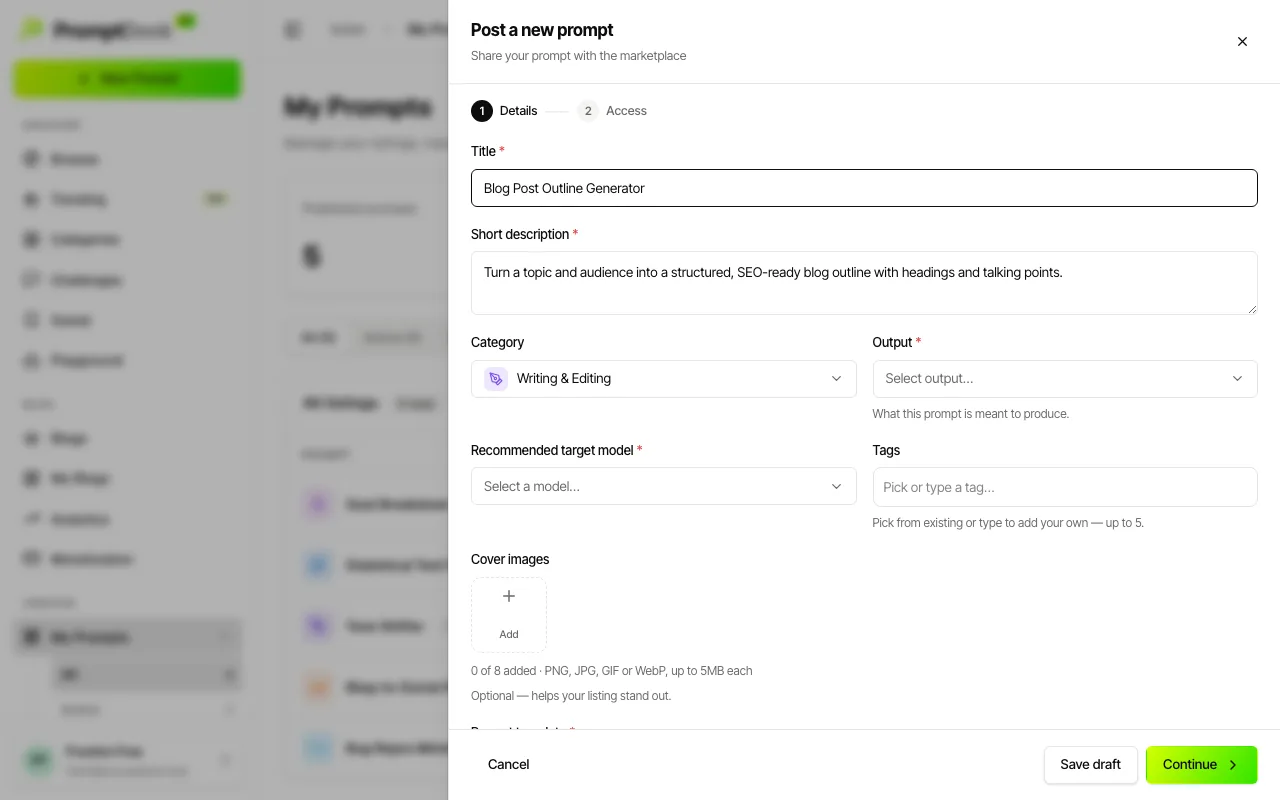
- Fill the required fields on the Details step: title, a short description, the recommended target model, the output (text, image, video, or text + image), and the prompt template itself. Category comes pre-filled; tags and up to 8 cover images are optional.
- Use {{variables}} in the template, like {{topic}} or {{tone}}. Each one becomes a fill-in field when somebody runs your prompt in the Playground.
- Hit Continue for the Access step: Free or Premium, plus Public (listed in the marketplace and searchable) or Unlisted (only people with the link can view). Then Publish prompt. Save draft is available at any point.
What happens after you publish
Every prompt goes through human review before it appears in the marketplace, free and premium alike. That is what keeps the catalogue trustworthy. Yours waits under My Prompts → In review, and you get a notification when it is approved, or when changes are requested with the reviewer's reason attached.